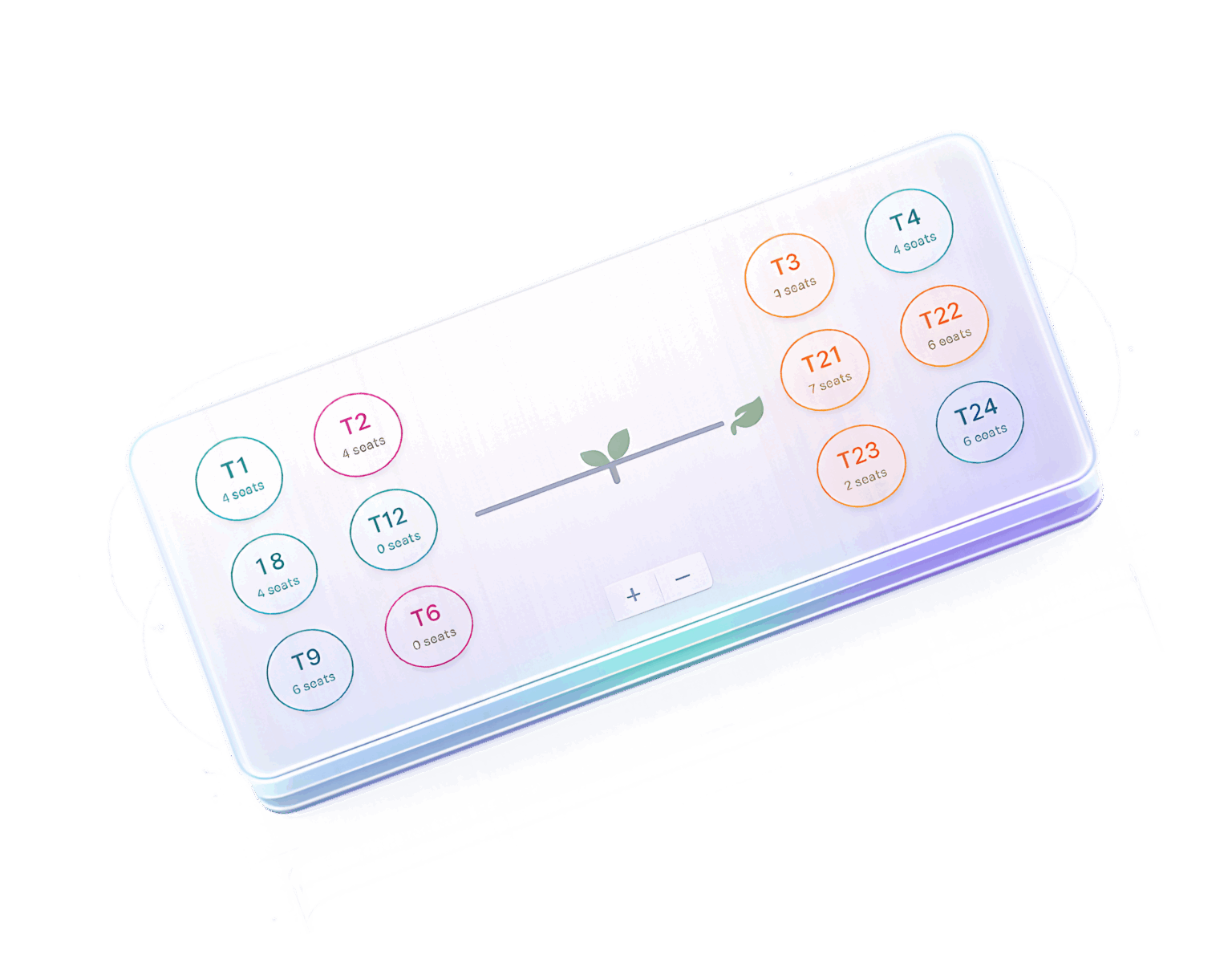
A color-coded system that lets your team see availability at a glance and change table states with a single click.
Available
Table is open and ready for new guests. Highlighted in green across all host views instantly.
Occupied
Guests are currently seated. Visible to all staff on any device connected to your account.
Booked
Reserved for an upcoming booking. Prevents accidental double- assignment by your floor staff.
Multi-Room Control
Manage Multiple Dining Areas with Ease
Switch instantly between rooms without losing context. Each area has its own floor layout, capacity limit, and live status view.
Separate Layouts per Room
Reserved for an upcoming booking. Prevents accidental double- assignment by your floor staff.
One-Click Room Switching
Tabs let your host team jump between Main Dining, Private Room, VIP, and Outdoor without reloading.
Synchronized in Real Time
Status changes in any room reflect instantly across all active team sessions on any device.
Capacity Tracking
Stay in Control of Seating Capacity
Monitor cover usage across every room in real time. Automatically updated when tables are assigned or cleared — no manual counting. capacity limit, and live status view.
Per-Room Cover Limits
Set maximum covers for each dining area independently. Get visual alerts as you approach capacity.
Live Occupancy Counter
Every table assignment updates the occupancy count instantly across your entire team's view.
Capacity Threshold Alerts
Receive visual warnings when a room approaches or exceeds its configured maximum cover limit.
Layout Editor
Customize Your Layout to Match Your Space
A full suite of editing tools to design floor plans that perfectly mirror your restaurant.
Drag & Reposition
Move tables freely on the canvas to match your physical layout.
Add or Remove Tables
Quickly add new tables or remove decommissioned ones.
Set Seat Count
Define how many seats each table supports for accurate tracking.
Edit Labels
Rename tables to match your internal numbering or naming.
Export Layout
Download your floor plan configuration for backup or sharing.
Clear & Reset
Start fresh with a blank canvas when redesigning your space.
Operational Impact
Built for Busy Restaurant Operations
Measurable improvements across every shift.
Reduce Seating Errors
Visual confirmation prevents double-seating and incorrect assignments.
Improve Host Efficiency
Hosts spend less time checking and more time welcoming guests.
Eliminate Overbooking
Real-time capacity limits prevent accepting more guests than you can serve.
Real-Time Visibility
Every team member sees the same live floor plan status instantly.
Scale Across Branches
Manage layouts for multiple locations from a single dashboard.
Operational Impact
Take Full Control of Your Restaurant Floor
Transform how your team manages seating with powerful real-time layout control.